

Managing tags
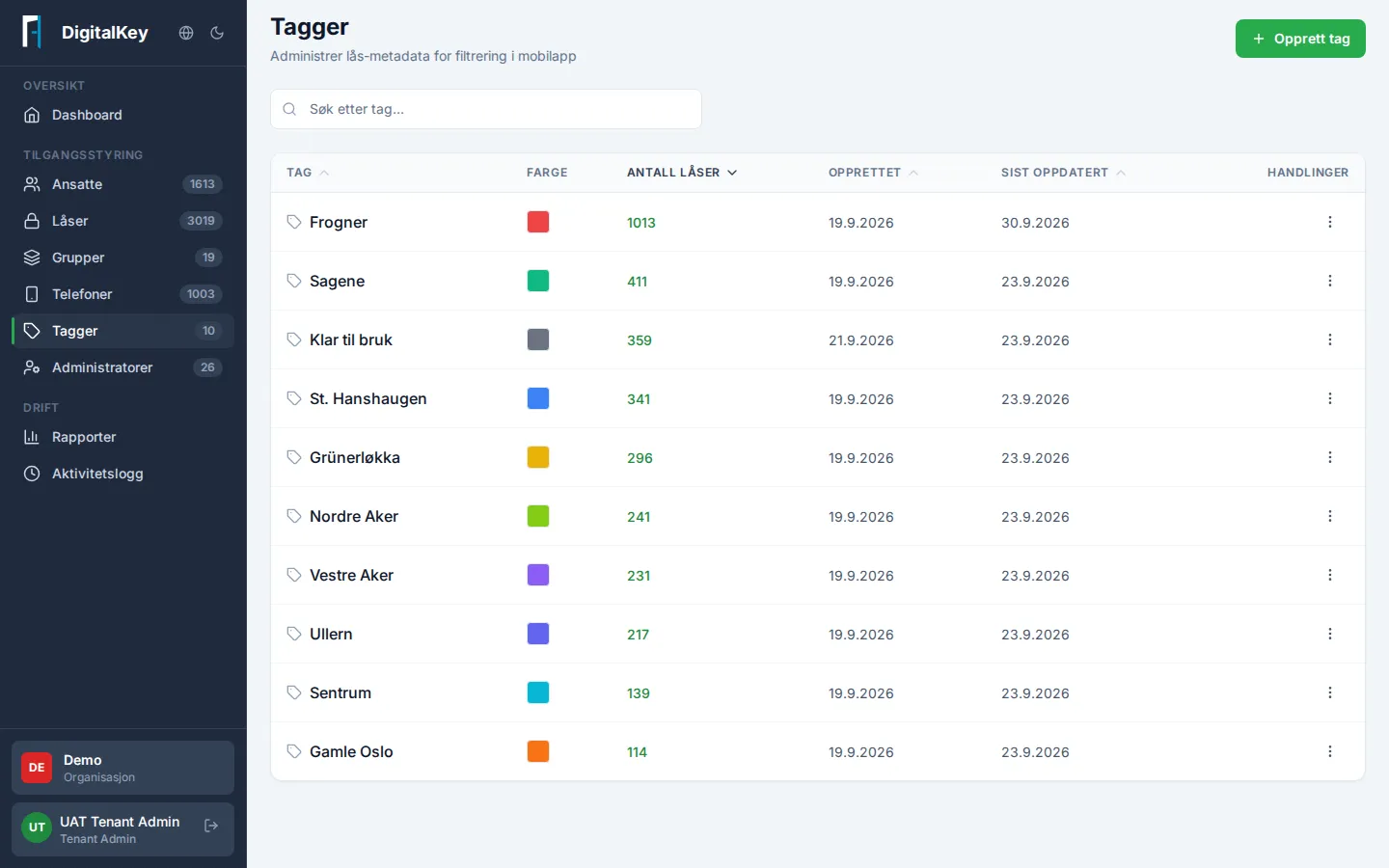
Tags are labels you put on locks — for example by area, building, or type. They’re used for filtering and finding things, both in the portal and in the mobile app employees use.
Common tasks
Section titled “Common tasks”| Task | How |
|---|---|
| Create a tag | Create Tag — give it a name and color |
| Tag a lock | Open the lock and choose tags while editing |
| Find all locks with a tag | Filter the lock list by the tag |
| Change or delete | Edit Tag / Delete Tag in the tag list |
Worth knowing
Section titled “Worth knowing”- A tag that’s in use on locks can’t be deleted — remove it from the locks first. The portal shows the lock count per tag.
- Tags don’t affect access. Access is always managed by groups — tags are labeling and filtering only.
- Good tags follow a simple naming convention (for example zone or building). Agree on the convention internally before creating many.