

Import a user list
If you’re registering many employees — at startup, during reorganization, or seasonally — you don’t have to add them one by one.
Step by step
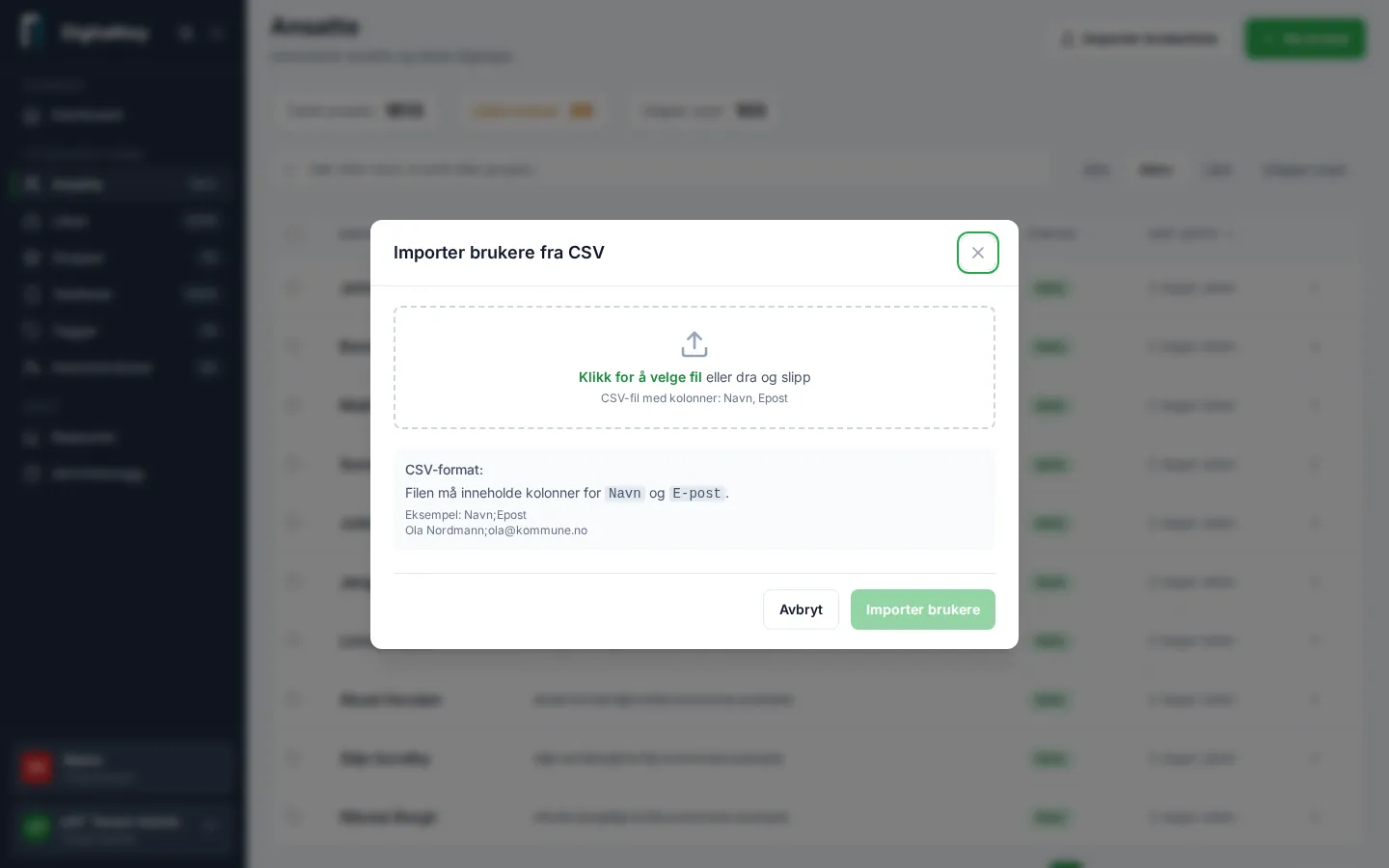
Section titled “Step by step”- Go to Employees and select Import User List.
- Upload your file (CSV or Excel) with name and email per row.
- Review the preview: the portal validates every row and flags errors — for example an invalid email or a missing name.
- Fix any errors in the file and upload again, or continue with the valid rows.
- Confirm the import.
Afterwards
Section titled “Afterwards”The imported employees are in the list without group memberships — remember to grant them access by adding them to the right groups. This can be done in bulk: select several employees in the list and choose Add to Group.