How digital key access works
Digital keys in the portal follow one simple model:
Employee → Group → Locks
- An employee is registered once, with name and email.
- Employees are added to groups — for example a zone, route, or department.
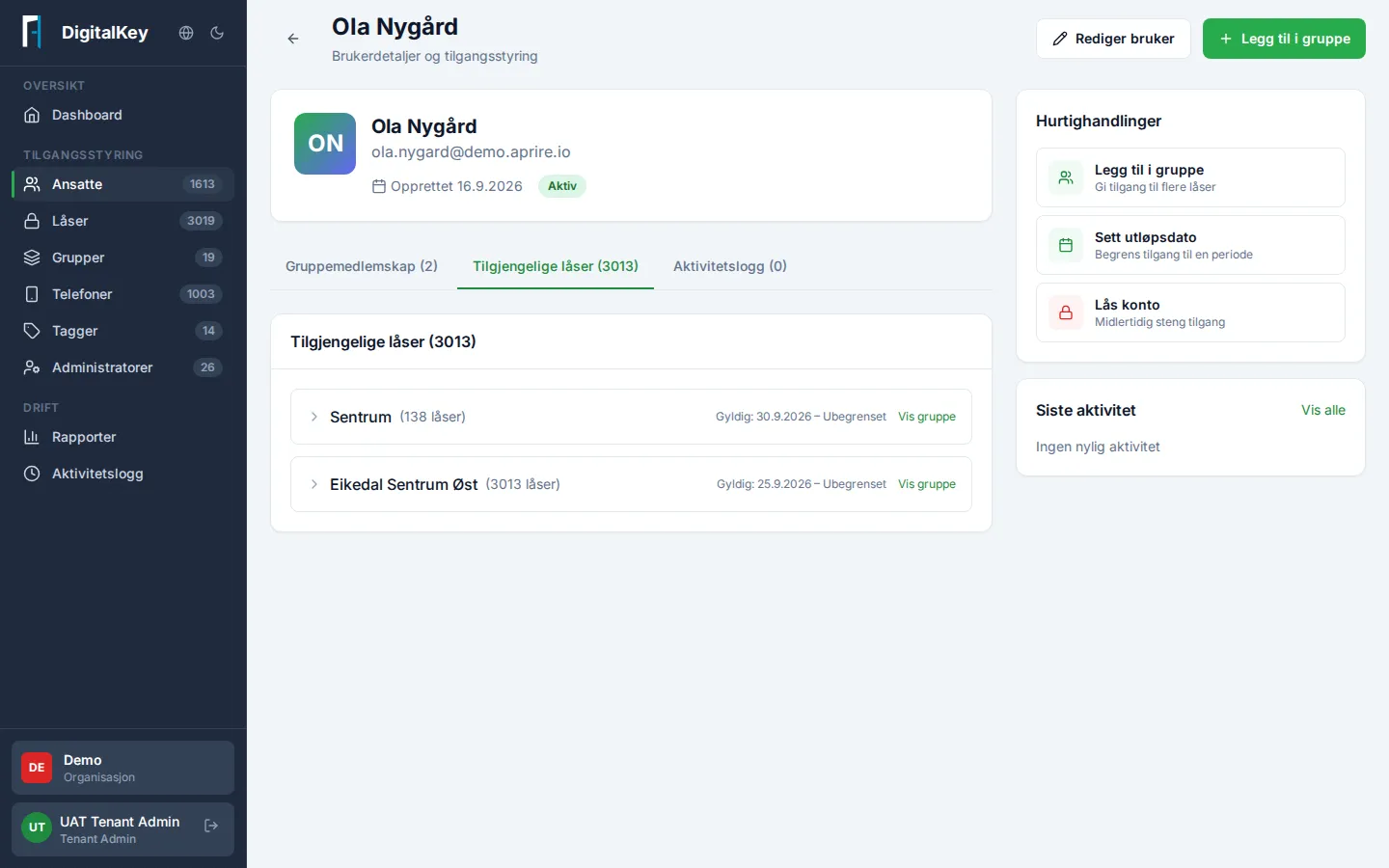
- Each group is linked to a set of locks. Group membership = a digital key to all the group’s locks, used via the mobile phone.
What this means in practice
Section titled “What this means in practice”- New employee in zone north? Add them to the zone north group — done. No individual locks to manage.
- New resident in zone north? Add the resident’s lock to the group — everyone in the zone gets access at once.
- An employee switches zones? Remove from one group, add to another.
Time-based access
Section titled “Time-based access”Group memberships can have Valid From and Valid To dates. Use them for temp positions, project periods, and planned changes — access starts and ends automatically on the date, with no manual follow-up.
Shutting off access fast
Section titled “Shutting off access fast”Lost phone or an urgent situation: Lock Account on the employee. All access is shut off immediately, and can be restored with Unlock Account once the situation is resolved.