

Create a new employee
Before you start
Section titled “Before you start”You need the employee’s name and email address. It also helps to know which locks they’ll need — that is, which group the employee should join.
Step by step
Section titled “Step by step”- Go to Employees in the menu.
- Select New User.
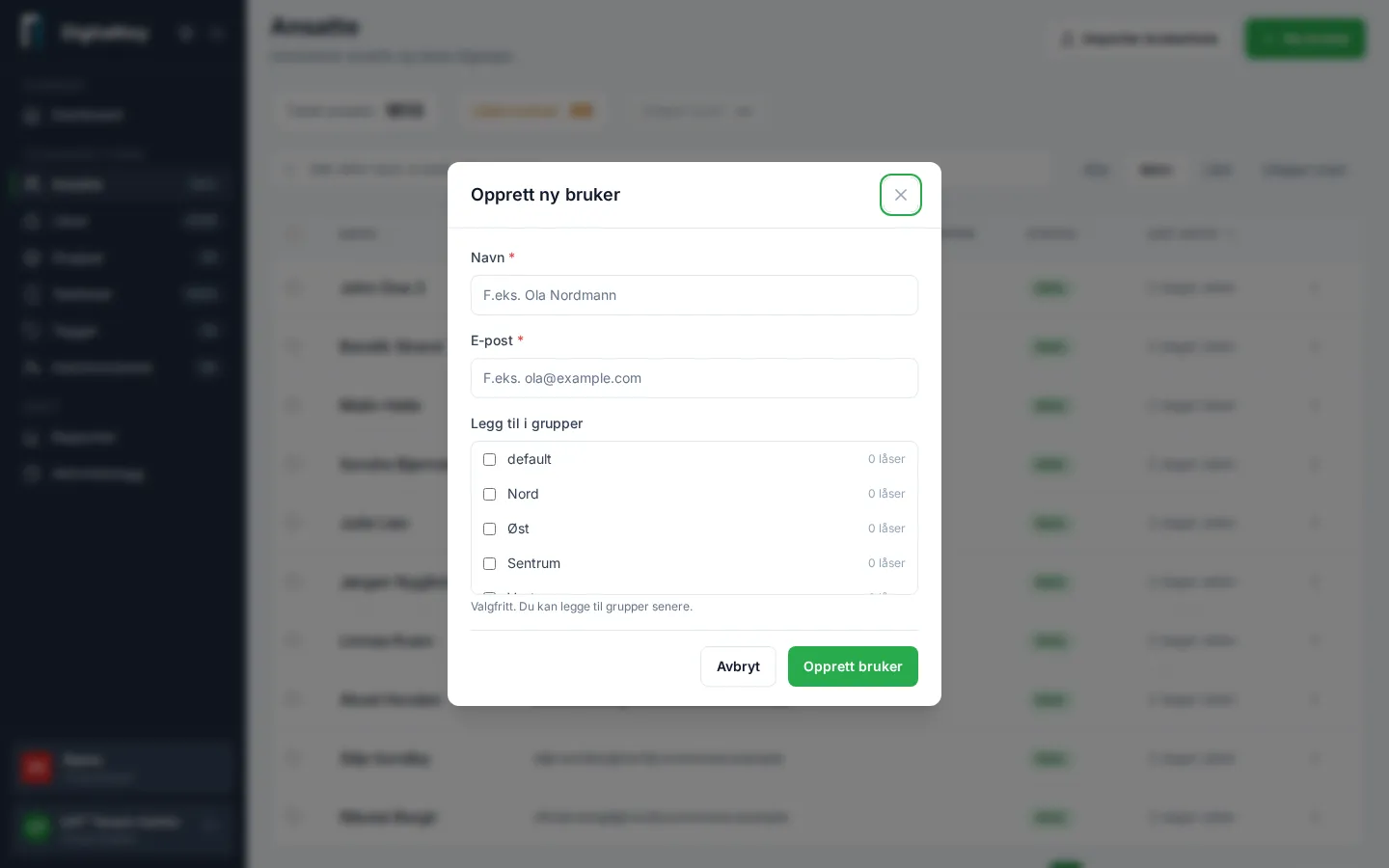
- Enter name and email. Names can be up to 50 characters.
- Select Create User.
- Open the new user and select Add to Group to grant access to locks.
Result
Section titled “Result”The employee is registered and has access to all locks in the groups you added them to. Access applies from now, unless you set a Valid From date in the future.
Many at once?
Section titled “Many at once?”If you’re registering many employees, use Import User List on the Employees page. Upload a file (CSV or Excel), review the validated preview, and fix any errors before confirming.