

Getting started
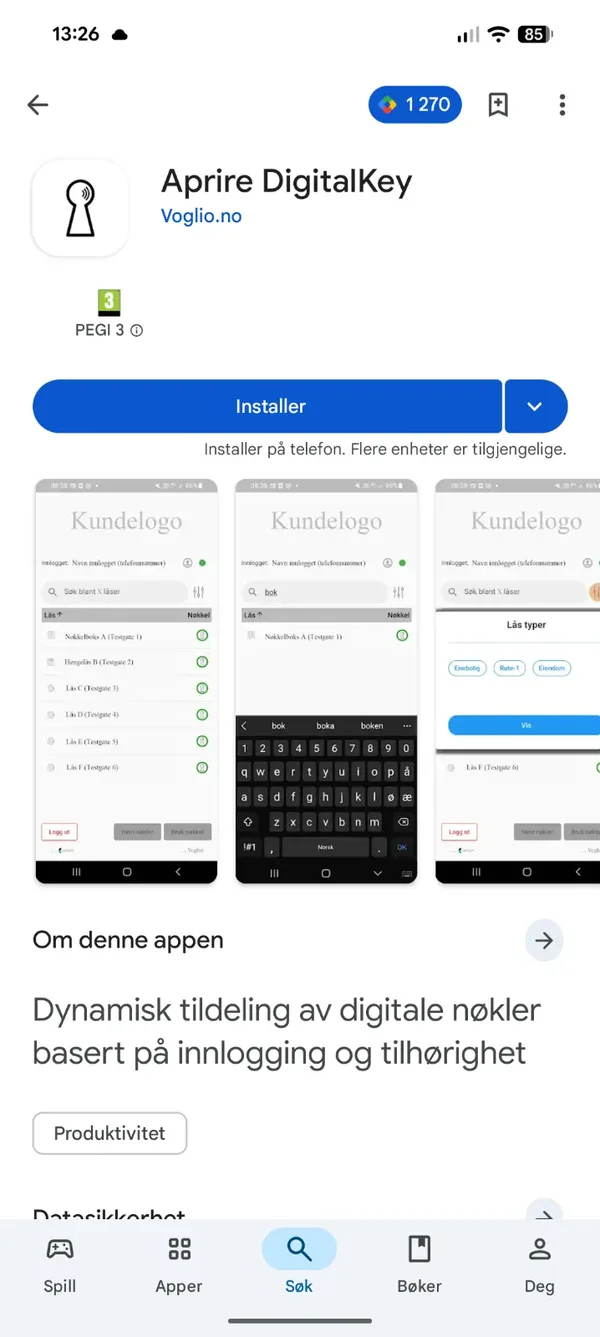
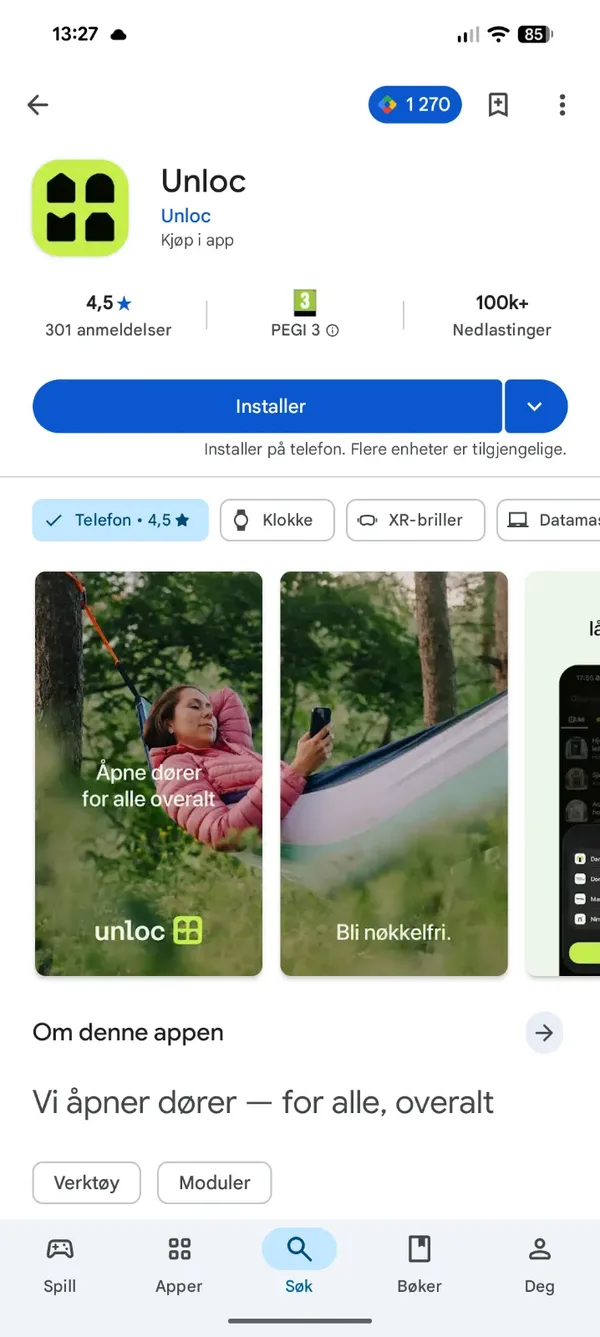
The DigitalKey app is where you get your keys ready. The actual door opening happens in the Unloc app. You therefore need both apps on your phone.
Install the apps
Section titled “Install the apps”Install both apps from Google Play (Android):
- DigitalKey – the app you sign in to and get your keys ready in.
- Unloc – the app that opens the door.
Register
Section titled “Register”The first time, open DigitalKey and register.
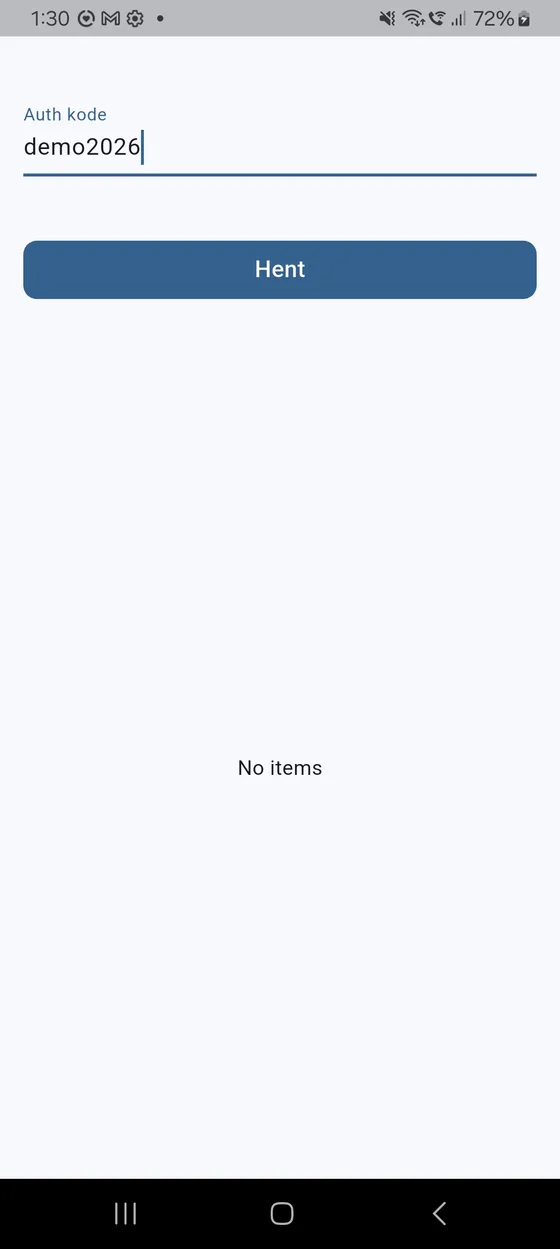
- Enter the Auth kode (Auth code) you received from your service administrator.
- Tap Hent (Get), and choose your organisation from the list that appears.
Then register your mobile number:
- Choose your country and enter your mobile number.
- Tap Bekreft (Confirm). The app shows «Sjekker telefonnummer…» (Checking phone number…).
Sign in
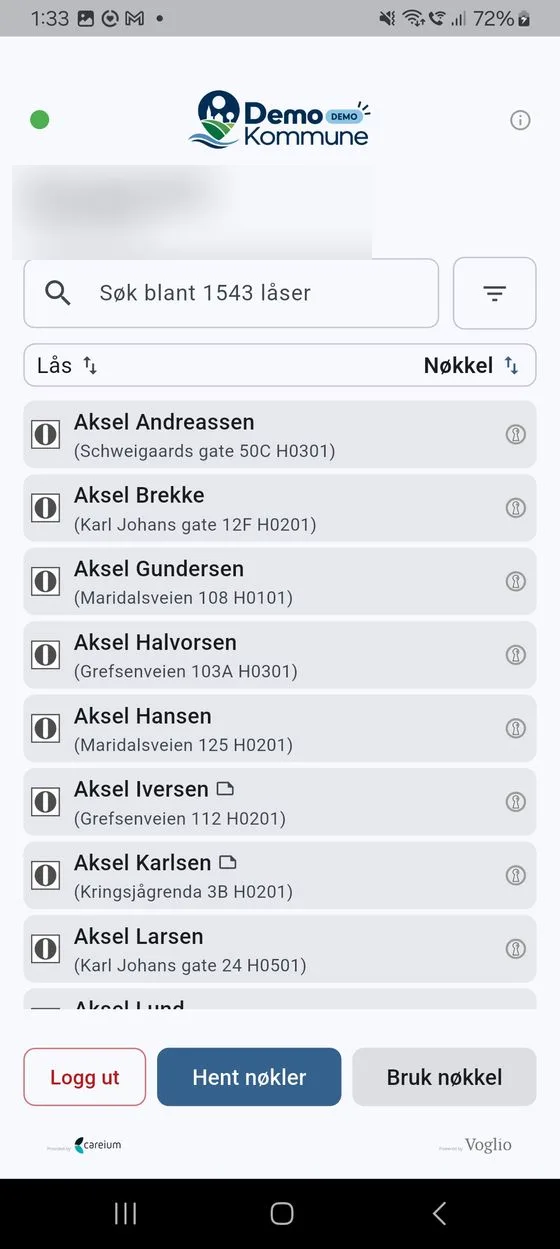
Section titled “Sign in”At Innlogging (Sign in), you log in with your user account. After signing in you reach the lock list, which shows the locks you have access to.
If something goes wrong, you’ll see the message «Innlogging feilet. Prøv igjen.» (Sign-in failed. Try again.) Try again, and contact your service administrator if the problem persists.
Bluetooth permission (in Unloc)
Section titled “Bluetooth permission (in Unloc)”For you to be able to open doors, Unloc needs permission to use Bluetooth – that’s how your phone talks to the lock. Say yes to the Bluetooth permission when Unloc asks for it the first time you open a lock.
Next steps
Section titled “Next steps”You’re all set. Head to your keys to get your keys ready, and to unlocking to open a door.